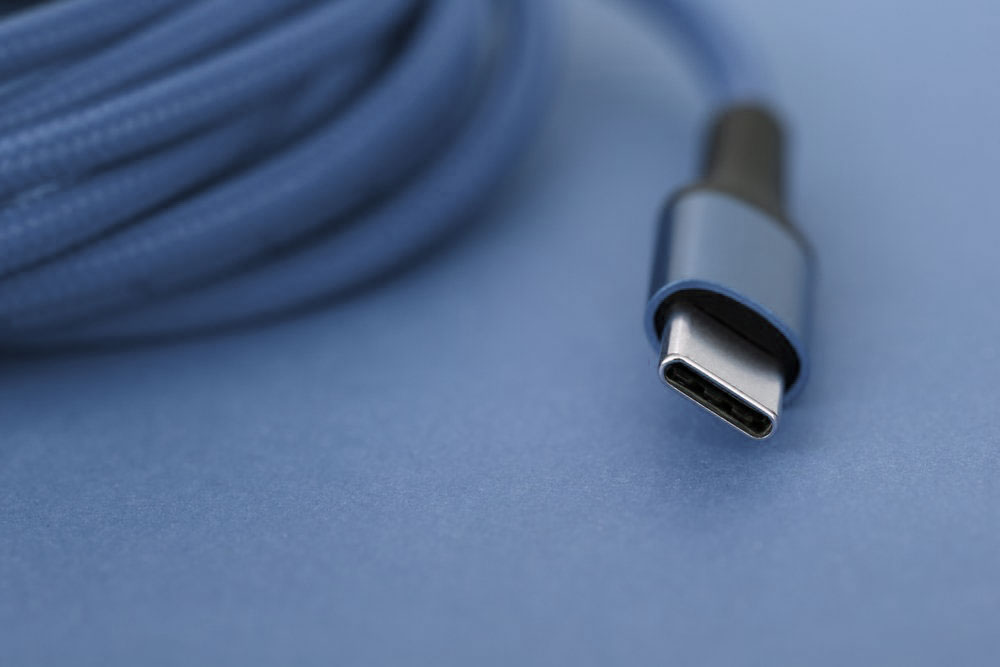
You may have found that, all electronics around us are going to be “Type C”. Even Apple, who used to persist in using its own Lightning ports and cables, had been forced to adopt Type-C.
The original intention of Type-C design is to unify the interface and realize one line for all devices, which is convenient for users, saves resources and protects environment. However, it is actually only the shape that is unified. The interface and cable support different standards, resulting in the same Type-C cable, but the actual fuctions vary greatly. This confusion extends to docking stations too — if you’re setting up a Dell dock, our Dell Dock Compatibility Chart guide explains which connections actually work. And for legacy cables, see what’s the maximum cable length supported by VGA.
Some Type-C cables can even only transmit power but not data. We can’t help but ask, what causes this situation?
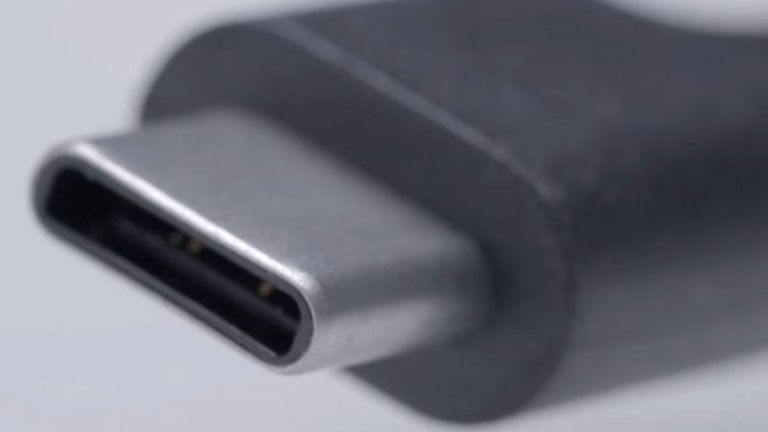
To answer this question, let’s first understand the basics of Type-C cables. Type-C, also known as USB-C, is a connector shape that can support various USB protocols, including USB 2.0, USB 3.0(also known as USB 3.1 Gen 1), USB 3.1(Gen 2), and even the latest USB4 and Thunderbolt 3/4. This versatility means that a Type-C cable can be designed to cater to different data transfer speeds and power delivery capabilities.
Now, let’s dive into the core functionality of data transfer. If your Type-C cable is designed to comply with data transfer standards, such as USB 3.0 or higher, it can indeed transfer data. These cables are typically equipped with the necessary wires and shielding to ensure fast and reliable data communication between devices. For instance, a USB 3.1 Gen 1 Type-C cable can transfer data at speeds up to 5 Gbps, while a USB 3.1 Gen 2 cable can achieve speeds of up to 10 Gbps.
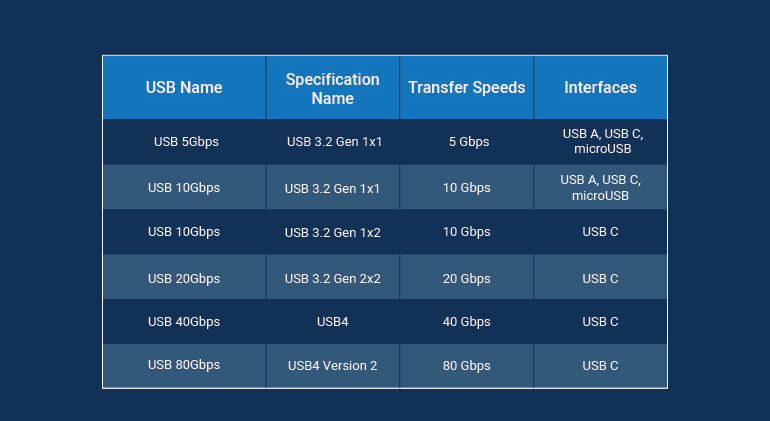
USB generations comparison
Picture from ONLOGIC
However, it’s crucial to note that not all Type-C cables are created equal. Some cables are designed purely for charging purposes, often referred to as “charge-only” cables. These cables lack the additional wires necessary for data transfer and are optimized solely for delivering power to devices. If you attempt to use a charge-only Type-C cable for data transfer, you’ll likely encounter errors or no connection at all.
Now that we have known the principle and what causes the functional difference between Type-C cables, it’s far from enough. Because as users, what we want is to specify the capabilities of cables and use the right ones.
To determine whether your Type-C cable supports data transfer, you can check its specifications or packaging. This is the most direct and effcicent way as manufacturers usually indicate the cable’s capabilities, including whether it supports data transfer and the specific USB protocol it complies with.
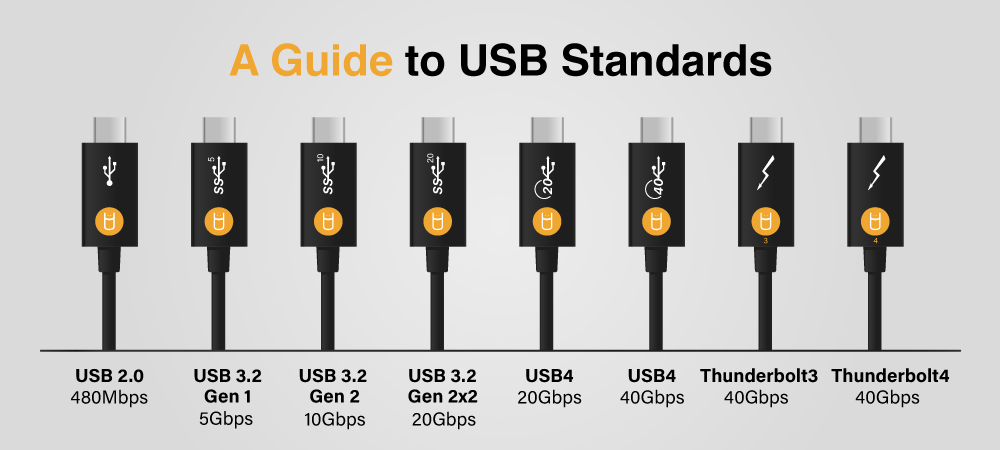
Picture from USB MEMORY DIRECT
Lost the packages? No sign on the cable? If you encounter these situations, the last suggestion we can give is to test the cable by connecting it to compatible devices and checking for data transfer functionality.
In conclusion, whether your Type-C cable can transfer data depends on its design and specifications. If it’s compliant with USB data transfer standards, such as USB 3.0 or higher, it should be capable of transferring data efficiently. Always check the cable’s packaging or specifications to confirm its capabilities, and remember that not all Type-C cables are designed for data transfer. With the right cable, you can enjoy the convenience and speed of seamless data communication between your devices.
