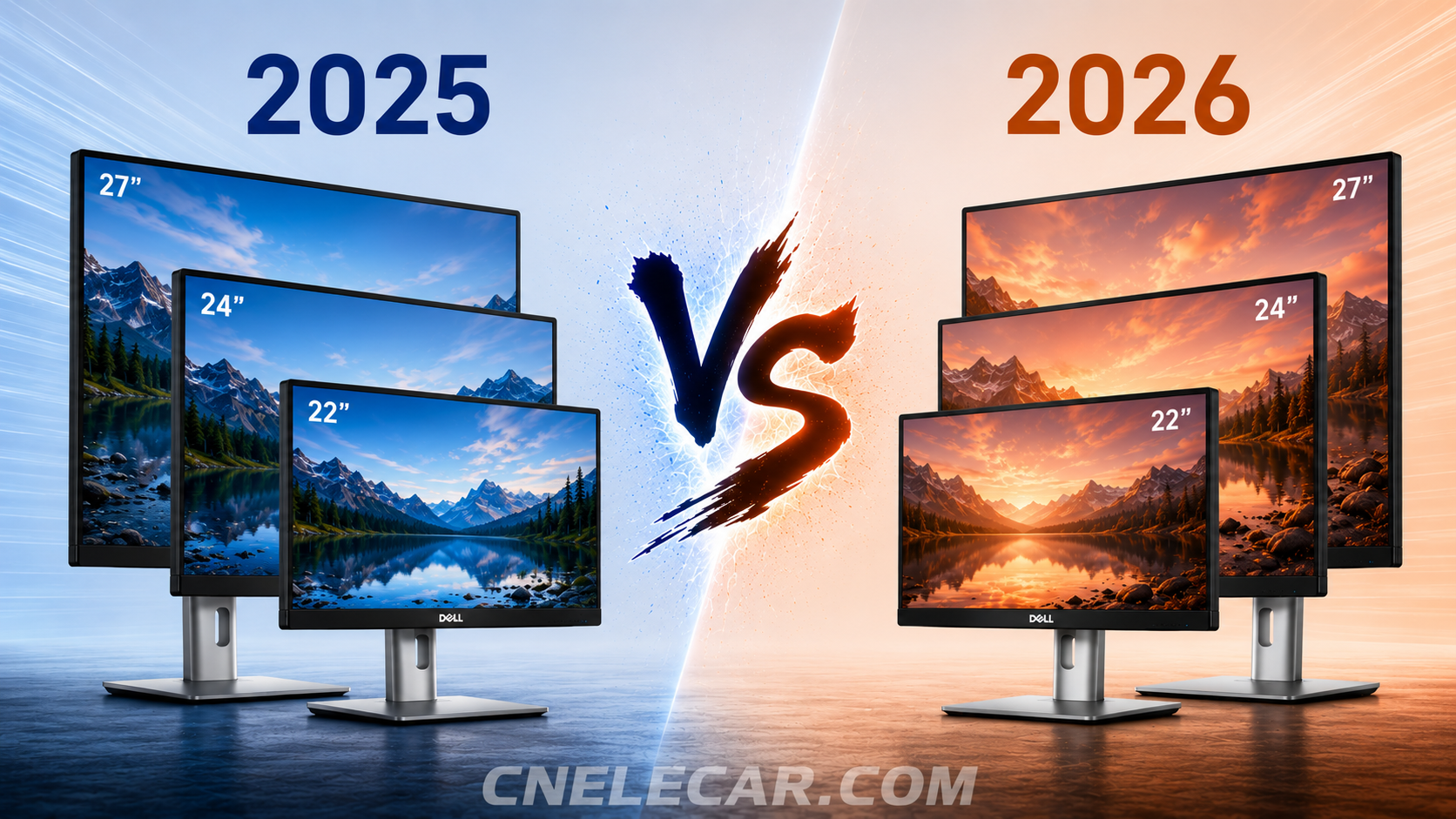
Dell has released the 2026 Dell Pro Plus series of FHD monitors: P2226H, P2426H, and P2726H. These models introduce several upgrades compared to their predecessors — the P2225H, P2425H, and P2725H. For context on the earlier models, see P2425H vs P2425HE and which Dell monitors work with macOS.
Are these upgrades worth replacing your current monitor? Which model should you choose?
Quick Answer
✅ Upgrade to 2026 models if you want:
- 120 Hz smoother motion (P2426H / P2726H)
- More USB-C ports for modern devices
- BT.709 color for better video accuracy
❌ Stay with 2025 models if you:
- Need VGA support
- Use older enterprise hardware
👉 Bottom line: The 2026 models are better for new buyers, but not worth upgrading from 2025 unless you need USB-C or 120 Hz.
You can check out the price and availability of each model on Amazon.
2025 products:
2026 products:
Quick Comparison
All three new models feature an upgrade in color gamut, adding 99% BT.709 alongside 99% sRGB. While these two color spaces are similar, BT.709 is the standard for HD video. This makes the new models better aligned with video-related content and workflows.
At the same time, all new models have removed the VGA port, which may be a drawback for users who still rely on legacy devices.
Other specifications vary by model:
The refresh rate of the P2426H and P2726H has increased from 100 Hz to 120 Hz, while the P2226H remains at 100 Hz.
The brightness of the P2226H and P2426H has increased from 250 cd/m² to 300 cd/m², while the brightness of P2725H is already 300 cd/m², so P2726H just remains unchanged.
The data interfaces on the P2426H and P2726H have changed from 3 USB-A + 1 USB-C to 2 USB-A + 2 USB-C. The P2226H retains the same configuration as the P2225H.
Full Specifications
We have created a detailed specification table to make it easy for you to compare from various aspects.
| Feature | 2025 Models (P2225H / P2425H / P2725H) | 2026 Models (P2226H / P2426H / P2726H) |
|---|---|---|
| Size | 21.5 / 23.8 / 27 inch | Same |
| Resolution | 1920 × 1080 | Same |
| Refresh Rate | 100 Hz | 100 Hz (P2226H) / 120 Hz |
| Brightness | 250 nits / 300 nits (P2725H) | 300 nits |
| Color | 99% sRGB | 99% sRGB + 99% BT.709 |
| Panel | IPS | Same |
| Video Ports | VGA + HDMI + DP | HDMI + DP |
| USB Ports | 3× USB-A + 1× USB-C | Same (P2226H) / 2× USB-A + 2× USB-C |
| Stand | Fully adjustable | Same |
What These Changes Actually Mean (Real-World Use)
1. 100 Hz vs 120 Hz — Noticeable but Incremental
- Smoother scrolling and UI animations
- Reduced eye fatigue for long office sessions
- Not a gaming-level upgrade
2. sRGB vs BT.709 — Who Benefits?
- sRGB → daily office tasks
- BT.709 → video playback & editing
👉 Key takeaway:
Adds relevance to video workflows, but not a professional color upgrade.
3. USB-A → USB-C Shift — Misunderstood Upgrade
Important clarification:
- ✅ USB-C = data only (for peripherals)
- ❌ NOT for laptop video input. These monitors still rely on HDMI/DisplayPort for video.
- ❌ NOT a docking solution
Real benefit:
Direct connection for phones, SSDs, earbuds. Fewer adapters needed.
4. Brightness Increase — Small but Useful
- Better for bright offices
- Improved readability near windows
Final Verdict
The Dell 2026 P-series monitors introduce incremental but meaningful upgrades, especially in:
- USB-C ecosystem support
- Refresh rate (on selected models)
- Video-oriented color coverage
However, the improvements are not significant enough to justify upgrading from the 2025 models for most users.
For new purchases, the 2026 models are the better long-term choice.
Here are quick links for you to check out on Amazon:
2025 products:
2026 products:
