
PN7522W is the premier rechargeable active pen for Dell 2-in-1 laptops. It has a useful feature, magnetic attachment, which allows you to attach the pen to the compatible laptops convieniently.
Now, there are 2 questions:
- What laptop can I attach the PN7522W to?
- Which area of the laptop should I attach the PN7522W to?
We will answer these questions in the following sections.
What laptop can I attach the PN7522W to?
Not all Dell laptops have a special design for magnetic styluses. If you don’t know whether your laptop is compatible with the PN7522W, please refer to the Dell Pen Compatibility Matrix.
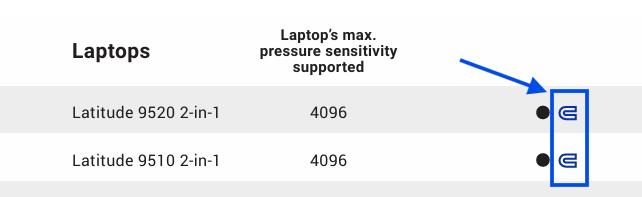
In this document, you can see a compatibility table. In some cells corresponding to PN7522W, there is a magnet icon. The laptops on the left column are the models that support the magnetic PN7522W.
Latitude 9520 2-in-1 and Latitude 9510 2-in-1 for example:
Which area of the laptop should I attach the PN7522W to?
Where should I attach the PN7522W to? On the back of the screen? On the bottom of the laptop? Or, on the side in front of me?
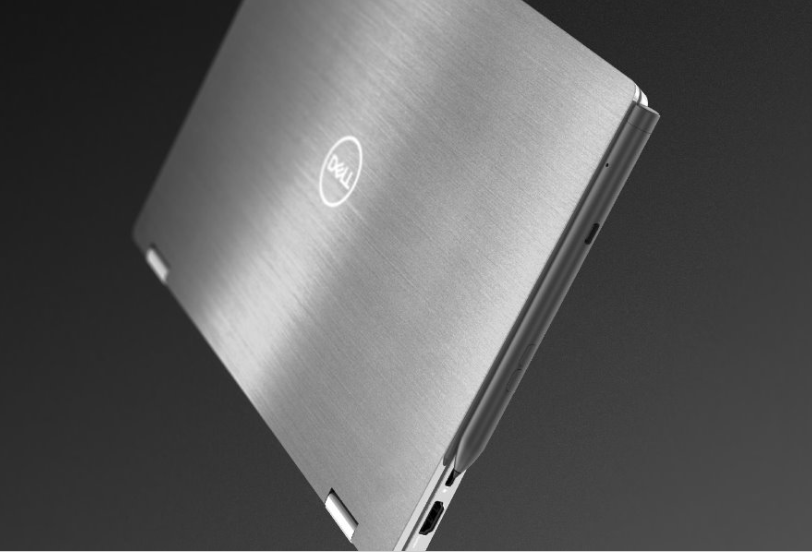
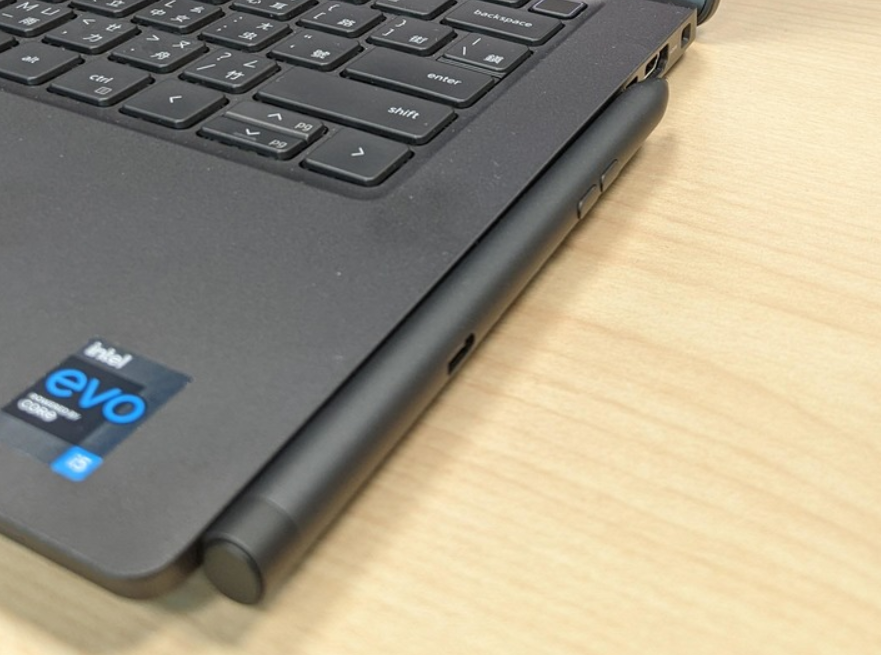
Wrong. The PN7522W is designed to be attached to the left or right side of the laptop.
Attach to the left side:
Attach to the right side:
Should I buy the PN7522W?
Follow the checklist to decide whether you should buy the PN7522W.
Is your laptop compatible with the PN7522W?
Check the answer in the previous section.
Do you need a rechargeable active pen?
PN7522W is a rechargeable active pen. You don’t need to replace batteries.
Do you need a high pressure sensitivity?
PN7522W supports high pressure sensitivity, up to 4096.
Do you need to attach the pen to your laptop?
PN7522W supports magnetic attachment.
Want a PN7522W? You can purchase it from Amazon: Dell Premier Rechargeable Active Pen PN7522W.
