Dell rack workstations are configured with a VGA integrated graphics interface by default. If you have installed a discrete graphics card and want to disable the integrated graphics card, you can follow the steps below:
- Reboot your workstation. Press F2 to enter System BIOS.
- Navigate to Integrated Devices, then find the option Embedded Video Controller.
- Change the setting from Enabled to Disabled.
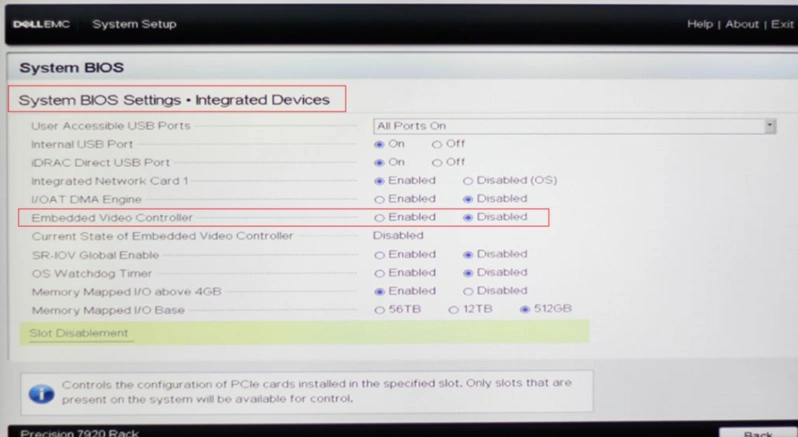
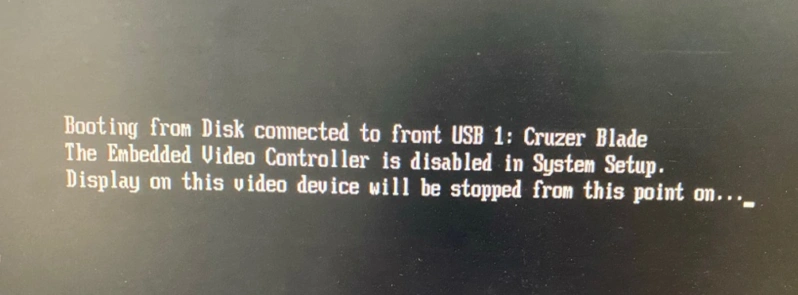
But if you encounter the error message as below while trying to install an OS, you’ll need to restore the setting, turning Embedded Video Controller from Disabled back to Enabled.
Pictures in this article are from pcoic.com