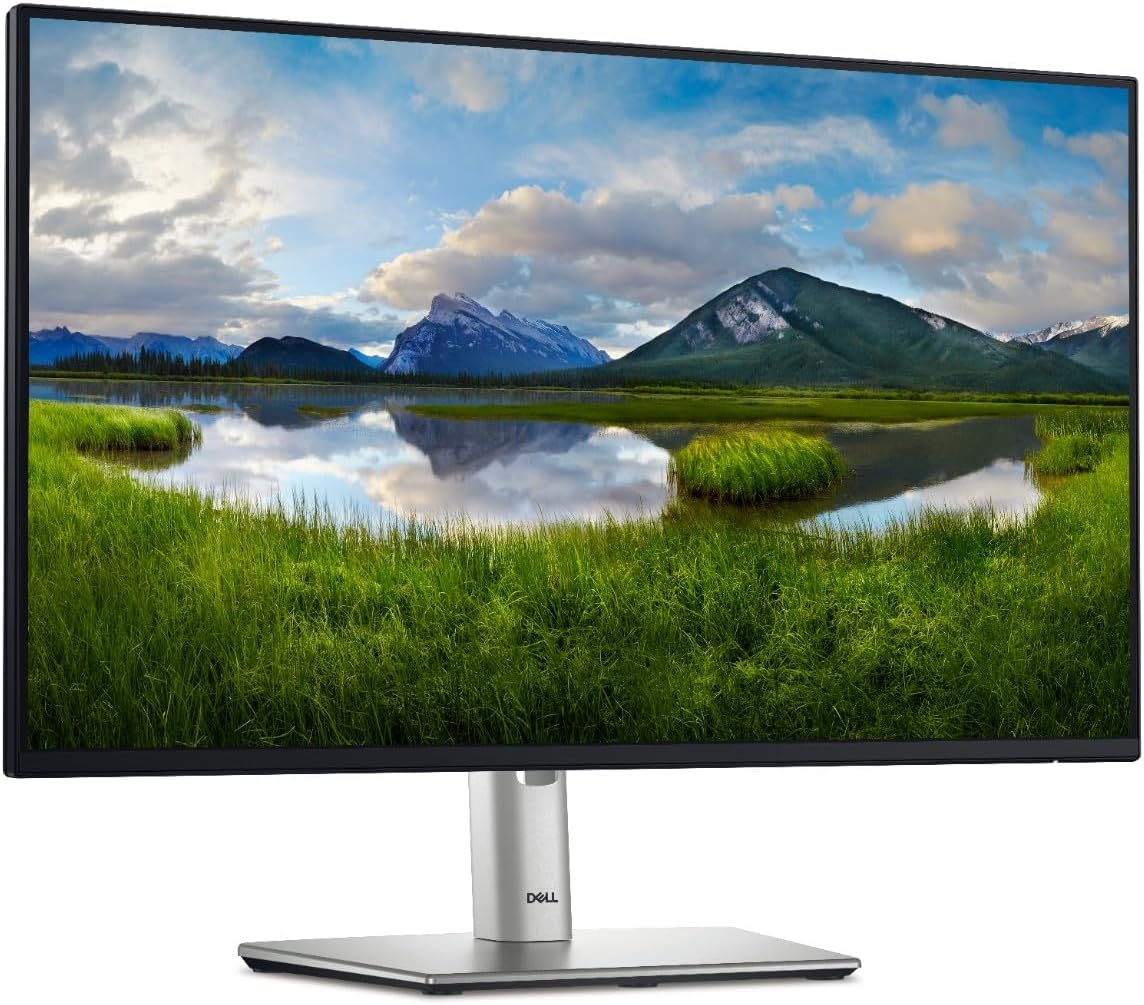
P2425H and P2425HE are both Dell Professional moniters for FY25. They are in the same series, even their model names look almost the same. Let’s compare these 2 monitors and figure out which one fits your needs. For the newer 2026 models, see our Dell P2226H/P2426H/P2726H vs P2225H/P2425H/P2725H comparison. If you need to connect your Dell monitor to a dock, check our Dell Dock Compatibility Chart guide.
The same specs of P2425H and P2425HE
Before we look at their differences, let’s first understand them by looking at their similarities.
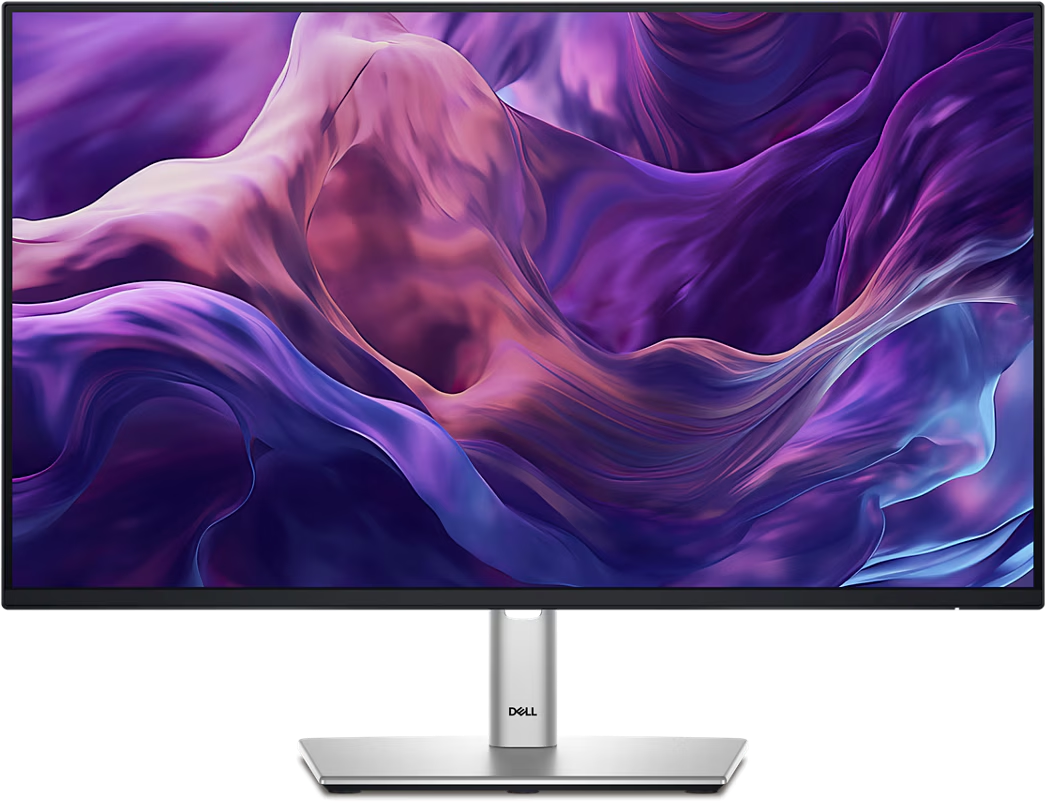
It does make sense that similar model names stands for similar specifications. P2425H and P2425HE share the same design, as well as lots of functions.
- Screen size: 23.8''
- Resolution: 1920 x 1080
- Refresh Rate: 100Hz
- Aspect Ratio: 16:9
- Brightness: 250 cd/m²
- Color Gamut: sRGB 99%
- Color Depth: 16.7 million colors
- Contrast Ratio: 1500:1
- Panel Type: IPS
- Height Adjustable Stand: Yes
- Supports VESA Mount: Yes, 100mm x 100mm
- Flat/Curved: Flat
- Camera & Microphone: No
- Low Blue Light: TUV 4-star Low Blue Light
Different specs between P2425H and P2425HE
The following table visually shows the difference between P2425H and P2425HE.
| Spec | P2425H | P2425HE |
|---|---|---|
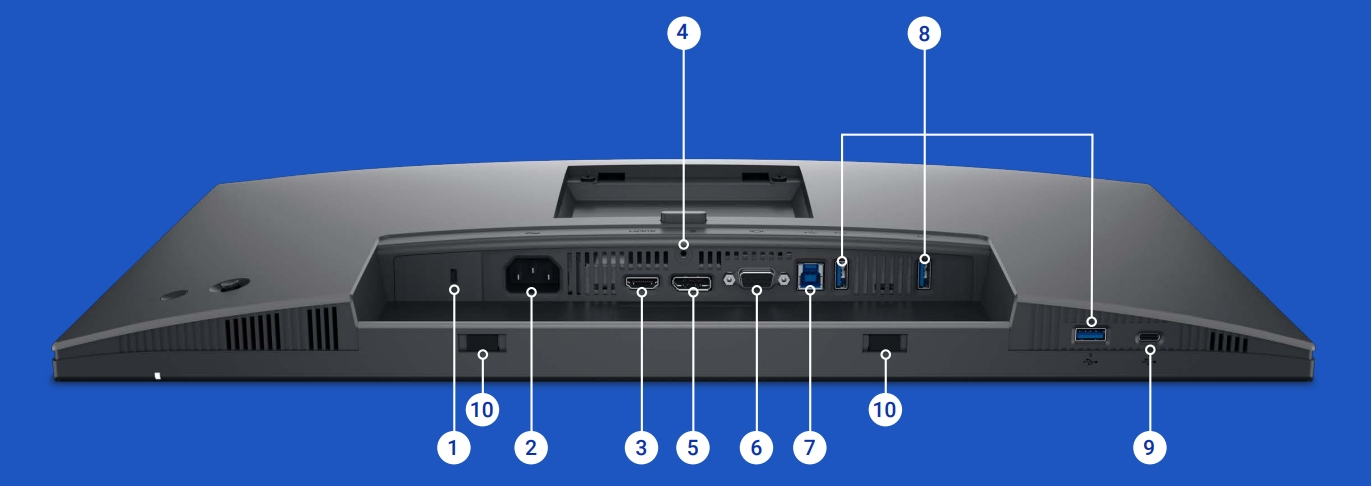
| Video Interface | VGA, HDMI 1.4, DP 1.2 | HDMI 1.4, DP 1.4, USB-C PD 90W |
| Data Interface | 3 USB-A + USB-C | 3 USB-A + USB-C, USB-C PD 90W |
| Video Cable | DP Cable, HDMI Cable | DP Cable, C to C |
| Data Cable | USB-A to USB-B | USB-C to USB-C |
| Network Port | No | Yes |
| Daisy Chain Port | No | Yes |
As can be seen from the table, the main difference between P2425H and P2425HE lies in their interfaces, including video interfaces, data interfaces and the network interface.
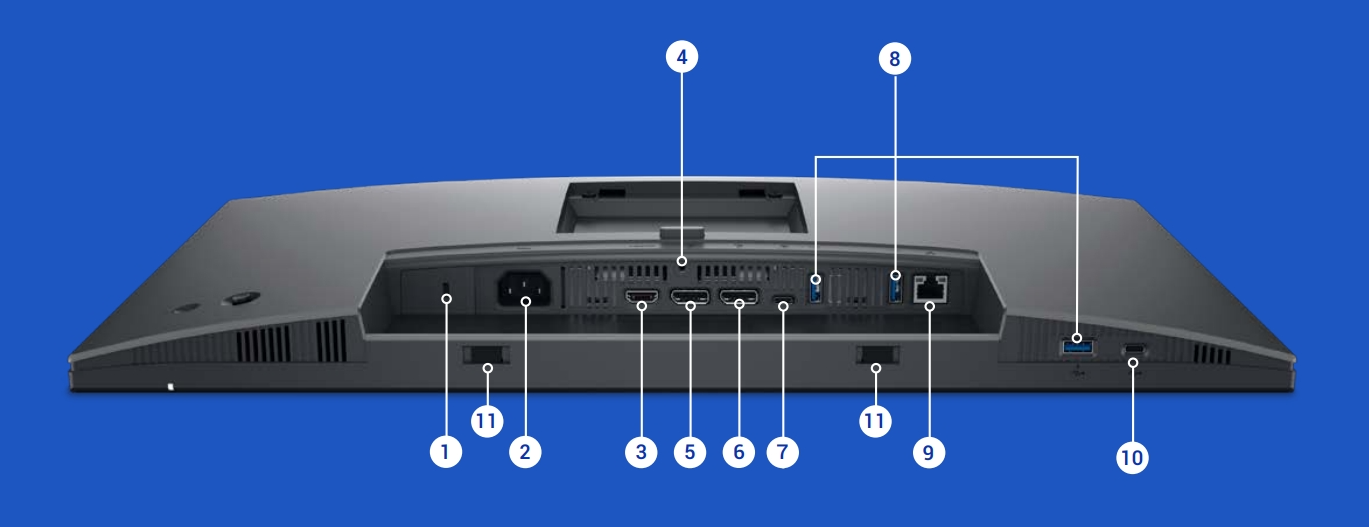
The P2425HE has a Type-C port that supports DP alternative mode, can transmit video and data, and can also provide 90W PD charging. In addition, the P2425HE also has a network port and a DP out port that supports Daisy Chain.
P2425H vs. P2425HE, which one should I choose?
From the comparison we’ve made above, we can make the decision easily.
P2425HE makes your desktop cleaner, without unnecessary cables. We recommend P2425HE if you have following needs, otherwise, P2425H is the more cost-effective choice.
- Connecting the computer by Type-C to transfer video and data, as well as making use of P2425HE’s 90W PD charging to power your laptop.
- Multiple monitors connecting with Daisy Chain.
- Using a wired network instead of a wireless network.
View more details and prices on Amazon:
