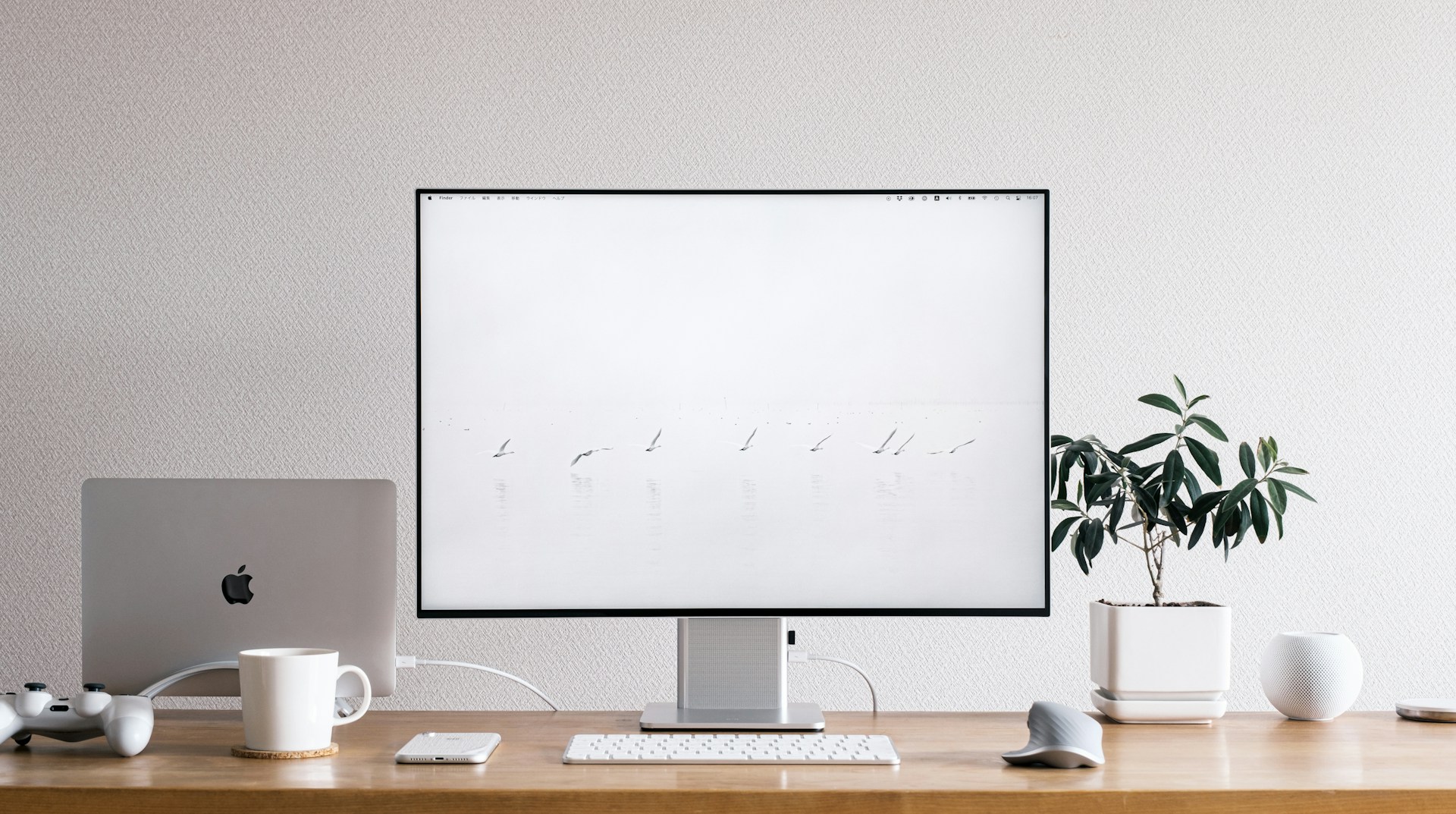
If you are using a Mac and considering a Dell monitor, you are probably wondering: Will this monitor actually work with macOS? The good news is that a large and growing list of Dell monitors is fully compatible — but not every model makes the cut.
Below you will find the complete compatibility list, plus system requirements and setup notes. For help with connecting Dell docks and peripherals, see our official Dell Dock Compatibility Chart guide and Dell P2425H vs P2425HE comparison.
What makes a Dell monitor “compatible” with macOS?
Compatibility comes down to two layers: hardware and software.
Hardware: the video connection
Macs rely on USB-C (including Thunderbolt) for video output. For full functionality — including brightness control, input switching, and firmware updates from macOS — the monitor must support video over USB-C and have its USB upstream connected. HDMI and DisplayPort alone give you a picture, but without the USB data channel, software control will not work.
Software: Dell Display and Peripheral Manager (DDPM)
Dell provides Dell Display and Peripheral Manager (DDPM) — a free macOS app that replaced the older Dell Display Manager. DDPM is what unlocks the monitor’s full feature set: brightness and contrast adjustment, Easy Arrange window management, KVM switching, firmware updates, and webcam controls.
Key point: If a monitor is not on DDPM’s supported list, it will display a picture but you will not get brightness control, Easy Arrange, KVM switching, or firmware updates from your Mac.
System requirements at a glance
Before you buy, make sure your Mac meets these requirements:
| Requirement | Details |
|---|---|
| Mac model | MacBook Pro, MacBook Air, Mac Mini, Mac Pro, or Mac Studio (2018 or later) |
| iMac? | DDPM does not support iMac, as its integrated display uses a different protocol |
| Processor | Apple Silicon (M1, M2, M3, M4 or newer) — full support. Intel Macs get limited support only on macOS 14 or later |
| macOS version | macOS 14 (Sonoma) or later. macOS 13 (Ventura) and earlier are not supported |
| Virtual machines | DDPM does not work in VDI or virtualized environments |
Dell has signaled a clear direction: full DDPM features require an Apple Silicon Mac running the latest macOS. If you are still on an Intel Mac, some newer Dell monitors may have limited or no software support.
Complete Dell monitor compatibility list for macOS
The following models are officially supported by DDPM for macOS. All data is from Dell’s Dell Display and Peripheral Manager for macOS documentation.
Dell P Series
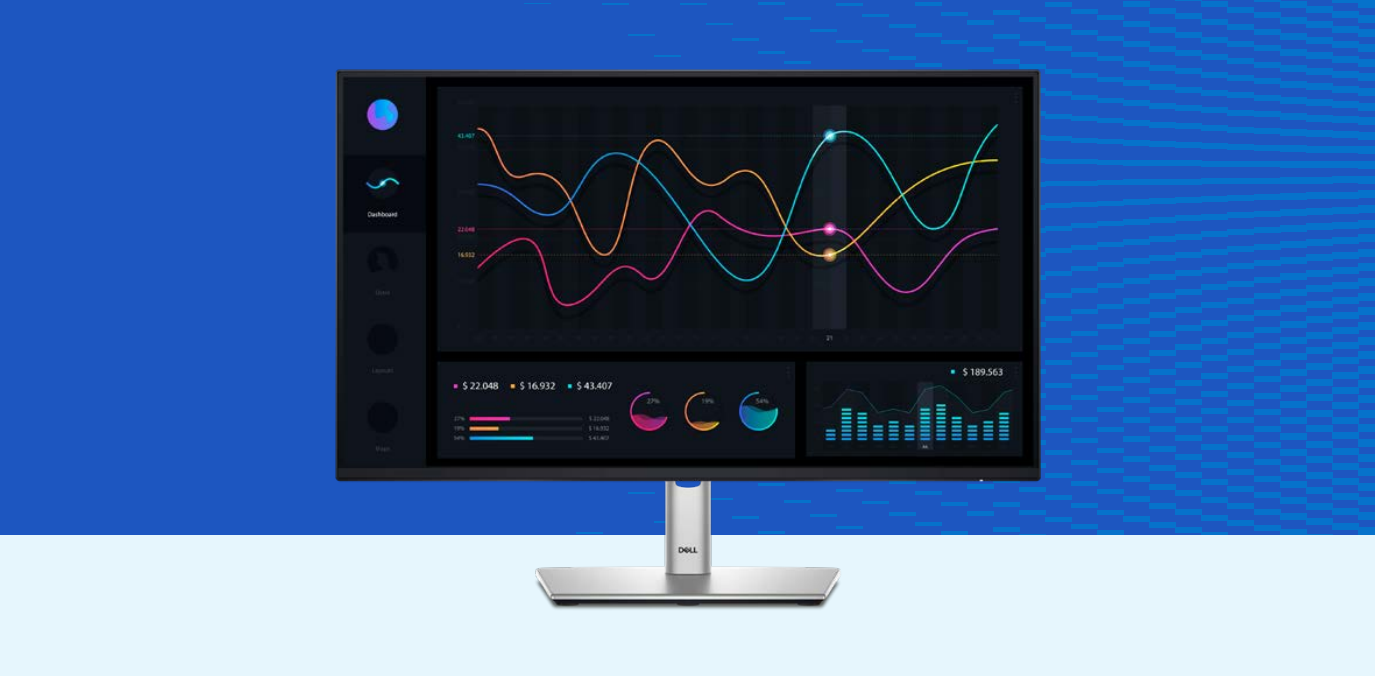
- P2424HEB
- P2724DEB
- P3424WEB
- P5524Q / P5524QT
- P6524QT
- P7524QT
- P8624QT
- P2425E / P2425HE / P2725HE
- P5525QC
- P2425DE / P2725DE
- P2725QE
- P3225DE / P3225QE
- P3425WE
- P7525QT
- P2426HEB / P2726DEB / P3426WEB (2026 models)
- P2426HEV / P2726DEV / P3426WEV (2026 models)
- P2426HE / P2426E / P2726HE (2026 models, Silent Firmware Update marked with *)
Dell UltraSharp (U) Series
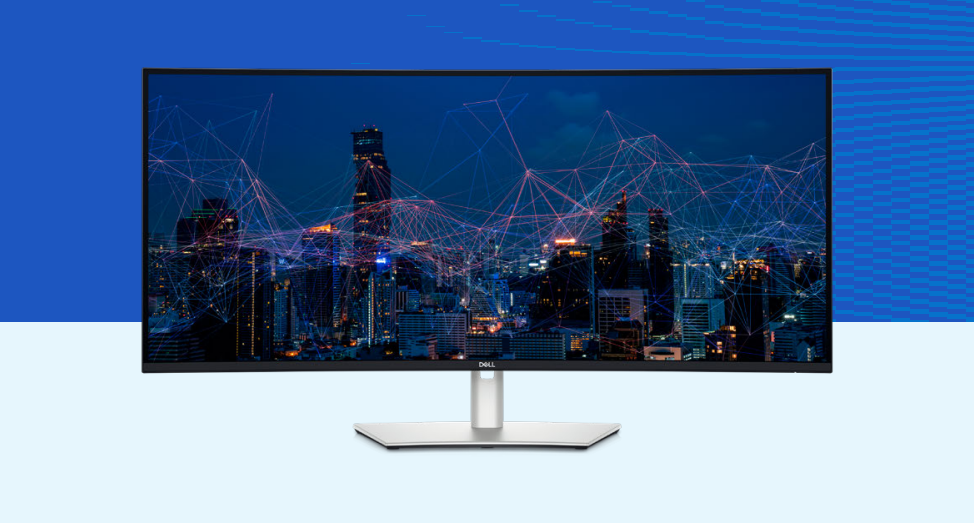
- U3219Q / U3419W / U4919DW
- U2520D / U2520DR
- U2720Q / U2720QM / U4320Q
- U2421E / U2421HE
- U2721DE
- U3421WE / U3821DW / U4021QW
- U2422H / U2422HE / U2422HX
- U2722D / U2722DE / U2722DX
- U2723QE / U2723QX
- U3023E
- U3223QE / U3223QZ
- U3423WE / U4323QE
- U3224KB / U3224KBA
- U4924DW
- U2424H / U2424HE
- U2724D / U2724DE
- U3824DW
- U3425WE / U4025QW
- U2725QE / U3225QE
- U5226KW / U3226Q (newest additions)
Dell S Series
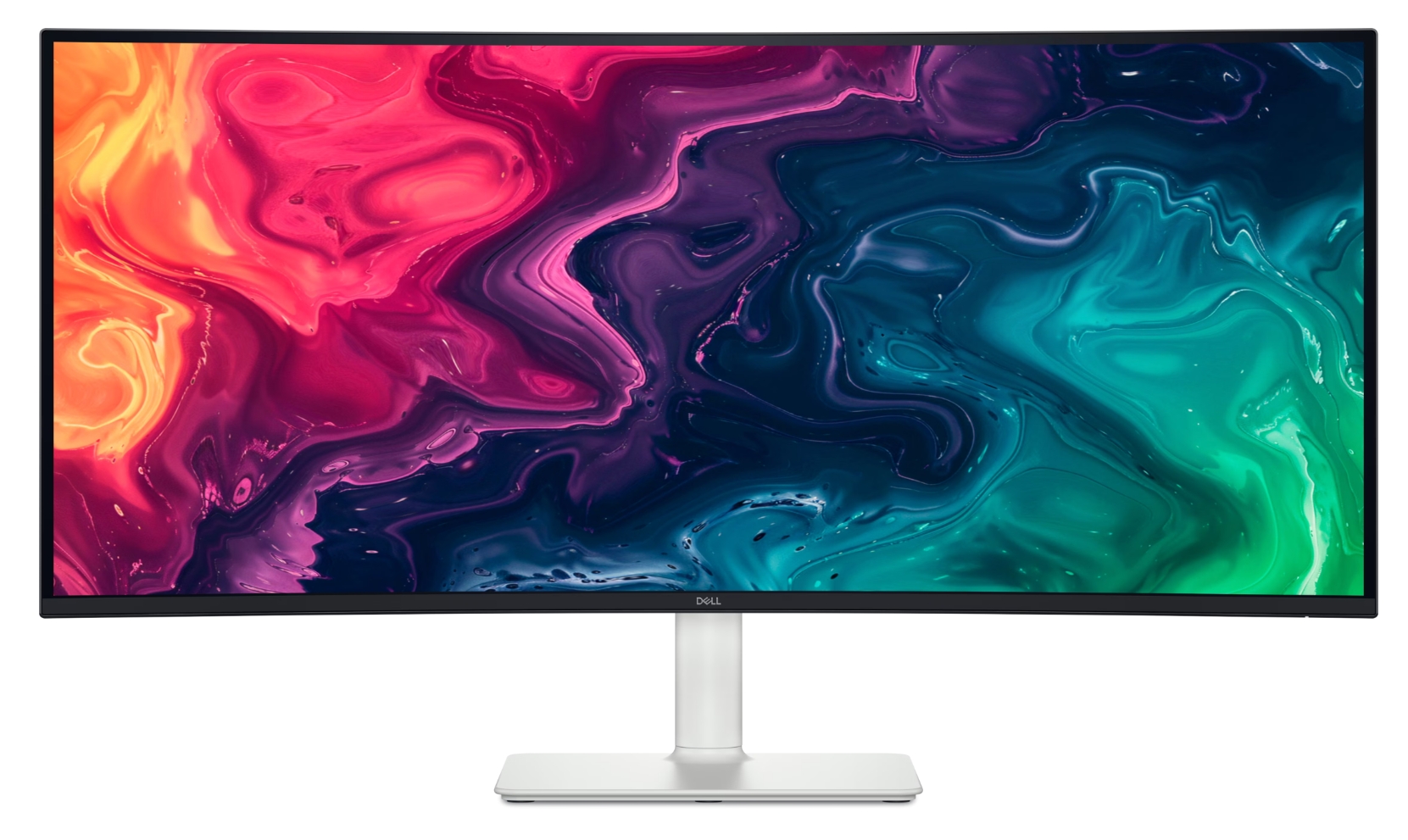
- S2725DC
- S2725QC / S3225QC
- S3425DW
Dell UltraSharp PremierColor (UP) Series
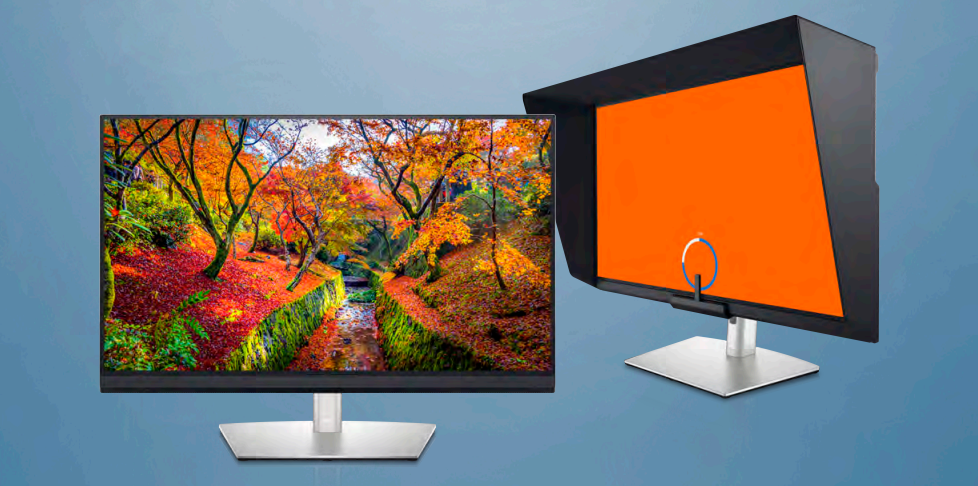
- UP2720Q / UP2720QA
- UP3221Q
Dell C Series
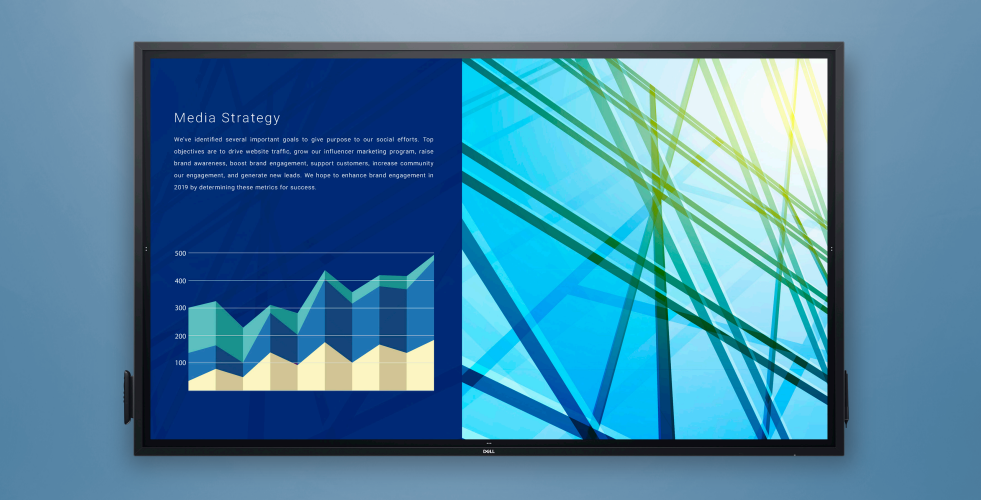
- C5519Q / C5519QA
- C5522QT / C6522QT / C7520QT
- C8621QT
- C2422HE / C2722DE
- C3422WE
- C2423H / C2723H
Supported Dell webcams (via DDPM)
| Model | Key feature |
|---|---|
| Dell Webcam WB3023 | Microphone control supported |
| Dell Pro Webcam WB5023 | HDR + microphone control |
| Dell UltraSharp Webcam WB7022 | AI Auto Framing |
| Dell Pro 5 Webcam 2K (WB526) | |
| Dell Pro 7 Webcam 4K (WB726) |
Common issues and fixes
Monitor not detected by DDPM Check that DDC/CI is enabled in the monitor OSD menu, USB upstream is connected (if using HDMI/DP), and no adapters or hubs sit between the Mac and monitor. Also, DDPM does not work in mirrored display mode — switch to extended desktop.
Network KVM will not connect Make sure ports 5566, 5567, and 5568 are open on your network. Grant Local Network permission in macOS 15+ under System Settings > Privacy & Security. If Apple Universal Control is enabled, disable it — the two features cannot run simultaneously.
Easy Arrange does nothing Grant DDPM Accessibility permission in System Settings. Also, in System Settings > Desktop & Dock, enable “Minimize windows into application icon.” Some apps (full-screen games, certain professional tools) may not support window snapping.
Webcam not showing up in DDPM Check that the camera appears under System Information > USB. Grant DDPM Camera permission in Privacy & Security. Unplug, wait 10+ seconds, and reconnect. Try a different USB port.
DDPM will not install or update Intel Macs running macOS 13 or earlier are not supported. On macOS 14+, Intel Macs receive limited support — for full functionality, an Apple Silicon Mac is recommended. Also verify you have administrator privileges and sufficient disk space.
Bottom line
If you have an Apple Silicon Mac running macOS 14 or later, the list of Dell monitors that work with macOS is extensive — spanning P, S, U, UP, and C series from 2018 onward. With DDPM installed and DDC/CI enabled, you get near-Windows-level control over brightness, color, KVM switching, window management, and even webcam settings — all from the macOS menu bar.
The key checklist before buying:
- Confirm the model is on the compatibility list above
- Plan to connect via USB-C (for video + data in one cable) or HDMI/DP + USB upstream
- Make sure your Mac is Apple Silicon and running macOS 14 or later
Want to know more about DDPM?
If you have already picked a monitor and want to get the most out of it, here is what DDPM brings to the table:
Easy Arrange & window management
Dell’s signature window-snapping tool lets you divide your screen into zones and drag apps into them. You can create custom layouts, save application configurations as “Easy Memory” profiles, and even set profiles to launch automatically when you connect a specific monitor. For a step-by-step walkthrough, see our guide on creating and using custom layouts in Dell Easy Arrange.
KVM — USB and Network
If your monitor has a built-in KVM (common on many Dell P and U series models), DDPM lets you share one keyboard and mouse between two computers connected to the same monitor. DDPM also introduces Network KVM, which extends this across your local network — you can move your cursor between up to four computers, share clipboards (including files), and transfer files securely with end-to-end encryption.
Heads-up: Network KVM conflicts with Apple Universal Control. If you enable one, the other will disconnect.
Webcam management
DDPM now supports five Dell webcam models (WB3023, WB5023, WB7022, WB526 2K, WB726 4K). From the app, you can switch between camera presets, enable AI Auto Framing, adjust field of view (65°, 78°, 90°), toggle HDR, and control the built-in microphone on compatible models.
PowerNap
When your Mac’s screen saver activates, PowerNap can automatically dim the display or put it to sleep — a small but noticeable energy saver for a home office that runs all day.
Multi-monitor sync & window restore
Connect multiple Dell monitors to one Mac, and DDPM can synchronize brightness, color, and other settings across all of them. It also remembers where your windows were and restores them when you reconnect a monitor — handy if you switch between an office desk and a home setup. You can export and import configurations when swapping monitors of the same model.
How to set up DDPM
- Enable DDC/CI on the monitor (OSD menu → Others → DDC/CI → On). Without this, DDPM cannot detect the monitor.
- Connect USB upstream — USB-C carries both video and data in one cable. With HDMI or DisplayPort, also connect the USB Type-B upstream cable.
- Grant permissions — DDPM will request Accessibility (Easy Arrange & KVM), Camera (webcam), Notifications, and Local Network (Network KVM on macOS 15+).
- Download from Dell’s DDPM page or your monitor’s support page, drag to Applications, and launch.
- Update firmware — download the latest firmware from Dell Drivers & Downloads, select Apple macOS, and run with your monitor connected via USB-C. Disable sleep mode during the update.
DDPM runs automatically at startup. Access it from the menu bar, or press Ctrl+Shift+D to open the quick launcher.
Model data is sourced from Dell Display and Peripheral Manager for macOS. We update this list whenever Dell revises their documentation.
