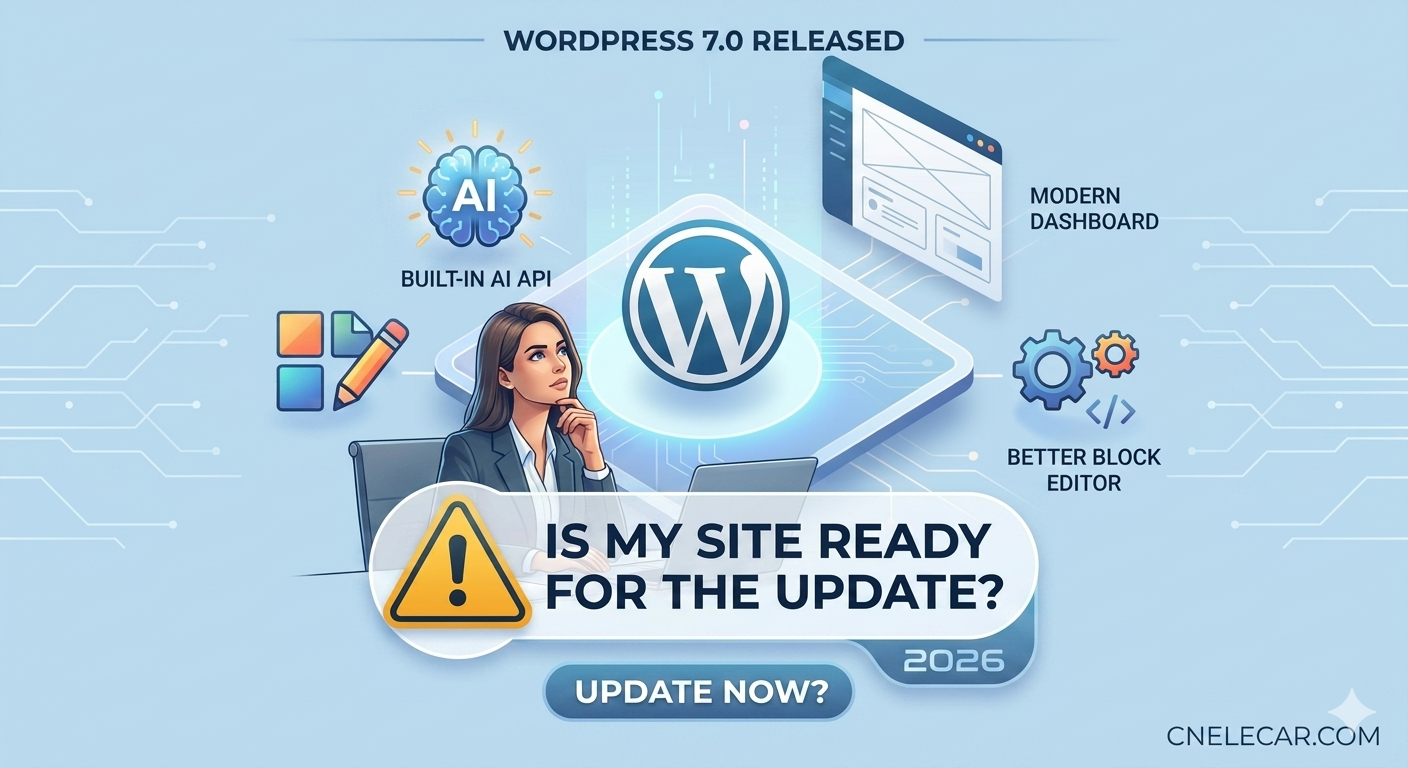
WordPress 7.0 is the first release in 2026. It brings a lot of new features and improvements, like Built-in AI API, Modern Dashboard (UI), Better Block Editor and some other tech changes.
You might be excited about the new features, and can’t wait to update your WordPress site. But wait, just calm down. Ask yourself a question: Is my site ready for the update?
The Big Leap: Why Version 7.0 Matters
Every major WordPress version brings excitement, but 7.0 feels different. It feels like the beginning of a new era.
The native AI API signals that WordPress is officially moving into the intelligence age, making it easier for us to automate SEO and content flows. Meanwhile, design-heavy users will love the Global Font Library and the revamped Block Editor, which finally brings native text columns and video backgrounds without heavy plugins.
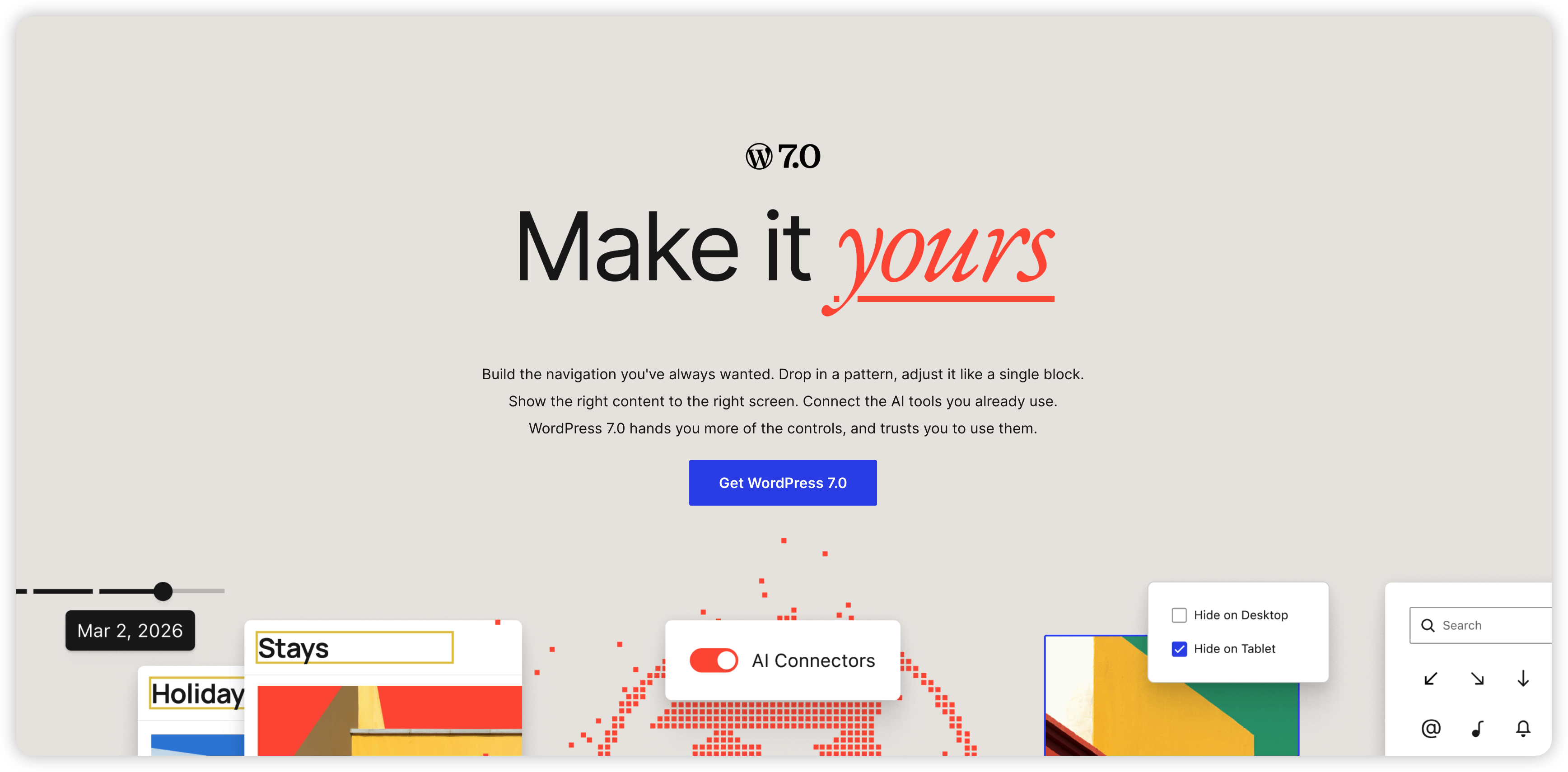
On paper, WordPress 7.0 is a masterpiece. But in the real world of web hosting, major updates can be a nightmare if you rush into them.
The Risk of Clicking “Update Now”
WordPress powers over 40% of the web because of its massive ecosystem of plugins and themes. However, that ecosystem is also its weakest link during a major launch.
Before you click that shiny blue button, consider these three massive tech shifts in 7.0:
The PHP 7.4 Floor: WordPress 7.0 officially drops support for older PHP versions. If your server is still running on legacy PHP, your site will crash instantly.
The iFrame Isolation: The new editor uses strict iFrame mode for blocks. Many older page builders and custom block plugins are not ready for this and will break your backend layout.
Database Stress: With the new DataViews and global font management, database tables are structured differently. A sudden update on a large site could cause timeout errors.
In addition, not every plugin and theme is compatible with WordPress 7.0. Some plugins and themes might not work at all, or they might break your site.
If your site has lots of plugins and themes installed, think twice before clicking “Update Now”.
The Golden Rule: Staging First, Production Later
So, should you update now?
If you are running a live business site, an e-commerce shop, or a high-traffic blog, the answer is a definitive NO. Do not update your live site during launch week.
Instead, follow this safe checklist:
Create a Staging Site: Clone your live site into a safe testing environment.
Run a Full Backup: Use your host’s tool to save your database and files.
Check PHP Version: Ensure your hosting panel shows PHP 7.4 or higher (ideally PHP 8.1+ for better speed).
Test the Update: Update WordPress 7.0 on your staging site first. Click through your pages, test your forms, and try creating a new post to see if anything breaks.
The Verdict
If your staging site runs smoothly and all your essential plugins show “Compatible with WordPress 7.0,” go ahead and enjoy the future of blogging.
But if you don’t have time to test, wait 2 to 3 weeks. Let the developer community patch the initial bugs, and wait for version 7.0.1. Your uptime is worth more than being an early adopter.
We recommend following the WordPress community—such as the WordPress subreddit on Reddit—to be among the first to discover real-world user experiences and feedback.
