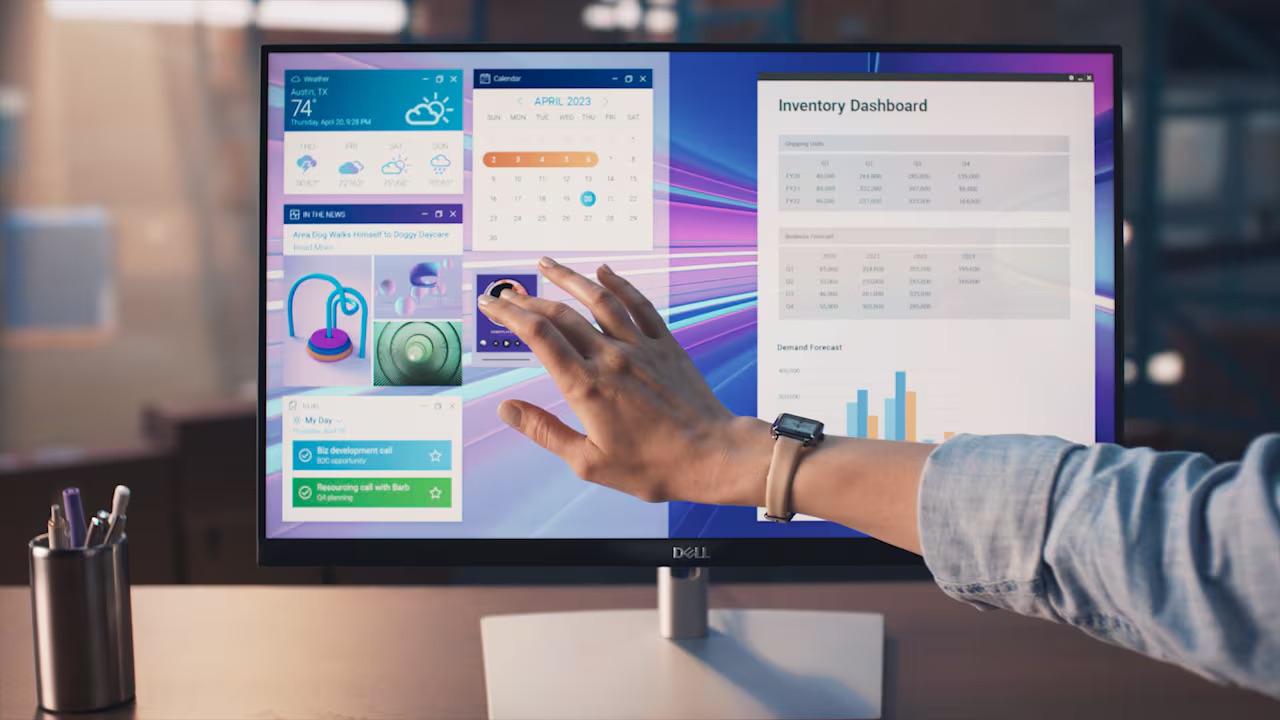
Dell touchcreen monitor P2424HT

Dell P2424HT No Sound from Built-in Speaker? Here's the Fix

You just set up your Dell P2424HT, plugged in via HDMI, DisplayPort, or USB-C, and the picture looks great. But there’s no sound. The built-in speaker seems completely dead. You’ve checked Windows audio settings, swapped cables, maybe even updated drivers — still nothing. Before you go down the troubleshooting rabbit hole, here’s the one thing most people miss: the P2424HT’s built-in speaker is off by default. It’s not broken. It’s just not turned on. ...

June 16, 2026 · 4 min · 745 words · Louis

How to Solve the Error Public Key Retrieval Is Not Allowed on DBeaver

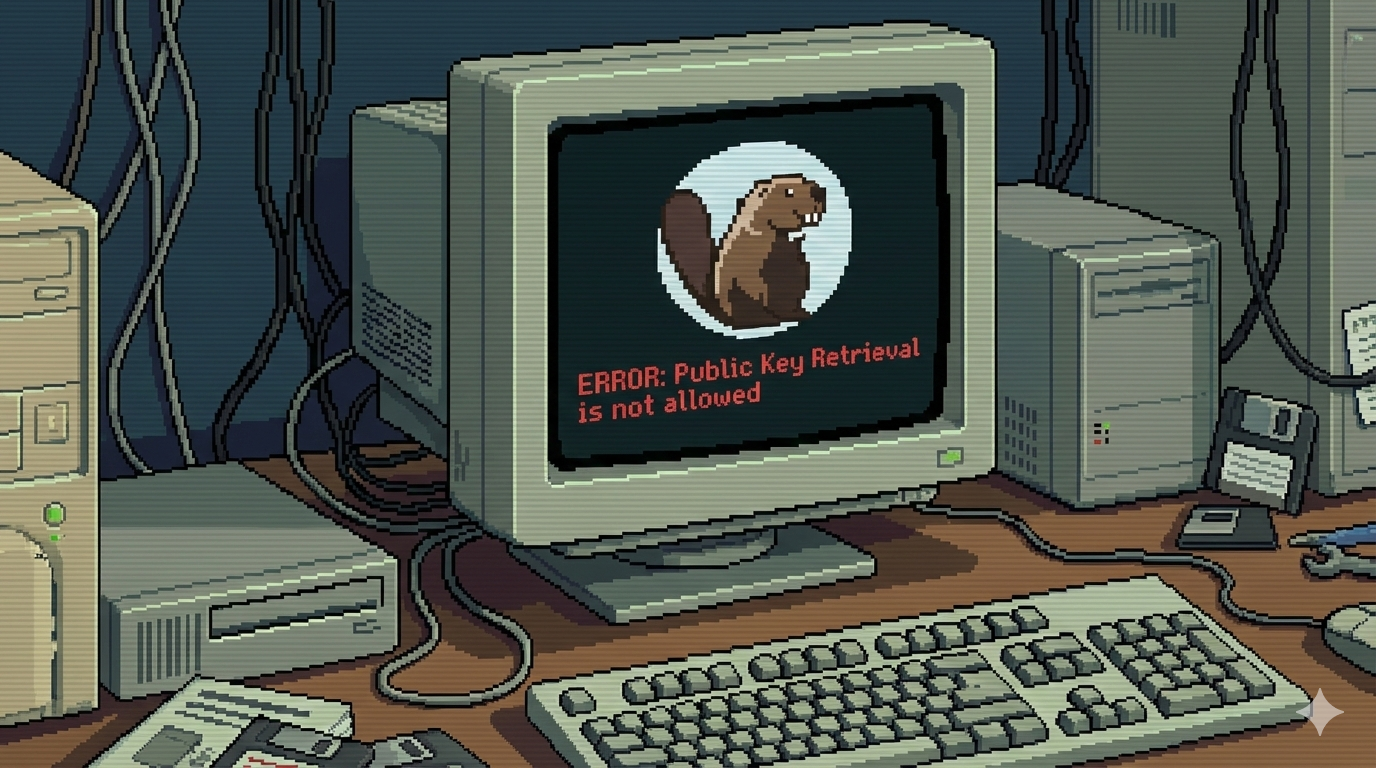
The error “Public Key Retrieval is not allowed” happens because MySQL 8+ uses caching_sha2_password as the default authentication plugin. When a client (like DBeaver) connects remotely, MySQL tries to use RSA public key encryption to secure the password. If the client does not allow retrieving the server’s public key, the connection fails with this error. Solution To fix this, you can set allowPublicKeyRetrieval=true in DBeaver’s Driver Properties. Steps: Right click on the database connection that you want to connect to. Select Edit Connection from the menu. Switch to the tab Driver properties. Modify the allowPublicKeyRetrieval parameter to TRUE. Click OK to save the changes. Now you can connect to your database without the error. ...

February 3, 2026 · 2 min · 263 words · Louis
Set proxies to solve : Failed to connect to github.com port 443 after XXXXX ms: Timed out

Set proxies to solve : Failed to connect to github.com port 443 after XXXXX ms: Timed out

Recently we’ve encountered this issue many times while pushing updates to GitHub: " Failed to connect to github.com port 443 after XXXXX ms: Timed out." In this post, we’ll show you how we solved it. Apparently, this is a network issue between local machine and GitHub, we could set proxies for Git to fix it. Run follwing commands in the Terminal/Shell: git config --global http.proxy socks5://192.168.7.10:7891 git config --global https.proxy socks5://192.168.7.10:7891 The above two lines of commands set up Git’s global http and https proxies, using the socks5 protocol. In actual operation, just change the proxy server information to your own. ...

June 4, 2025 · 1 min · 137 words · Louis
How to turn off the integrated graphics card on a Dell rack workstation?

How to turn off the integrated graphics card on a Dell rack workstation?

Dell rack workstations are configured with a VGA integrated graphics interface by default. If you have installed a discrete graphics card and want to disable the integrated graphics card, you can follow the steps below: Reboot your workstation. Press F2 to enter System BIOS. Navigate to Integrated Devices, then find the option Embedded Video Controller. Change the setting from Enabled to Disabled. ...

February 8, 2025 · 1 min · 99 words · Louis
Stop Your Dell Laptop from Powering On When You Open the Lid – Here’s How!

Stop Your Dell Laptop from Powering On When You Open the Lid – Here’s How!

Many Dell laptops come with a default setting that automatically powers on the device when the lid is opened. While this feature can be convenient for some users, others may find it unnecessary or even disruptive. If you’d prefer to manually control when your laptop turns on, here’s how to disable this feature. Steps to Disable “Power On Lid Open” It’s worth noting that, Dell computers have 3 BIOS interfaces. Some models have Lid Switch under the BIOS, which only controls whether the machine responds to opening and closing the lid. Power On Lid Open is the function of automatically turning on the computer when the lid is opened. ...

February 7, 2025 · 2 min · 360 words · Louis