
Dell Easy Arrange in DDPM

How to create and use a custom layout in Dell Easy Arrange

DDPM (Dell Display and Peripheral Manager) provides a unified experience for managing Dell monitors and peripherals. One of its most useful features is Easy Arrange, which gives you more control over how windows are positioned and resized on your screen. DDPM already includes a variety of pre-defined layouts. But if none of them quite fit your workflow, you can create your own custom layout—and tailor it exactly the way you want. ...

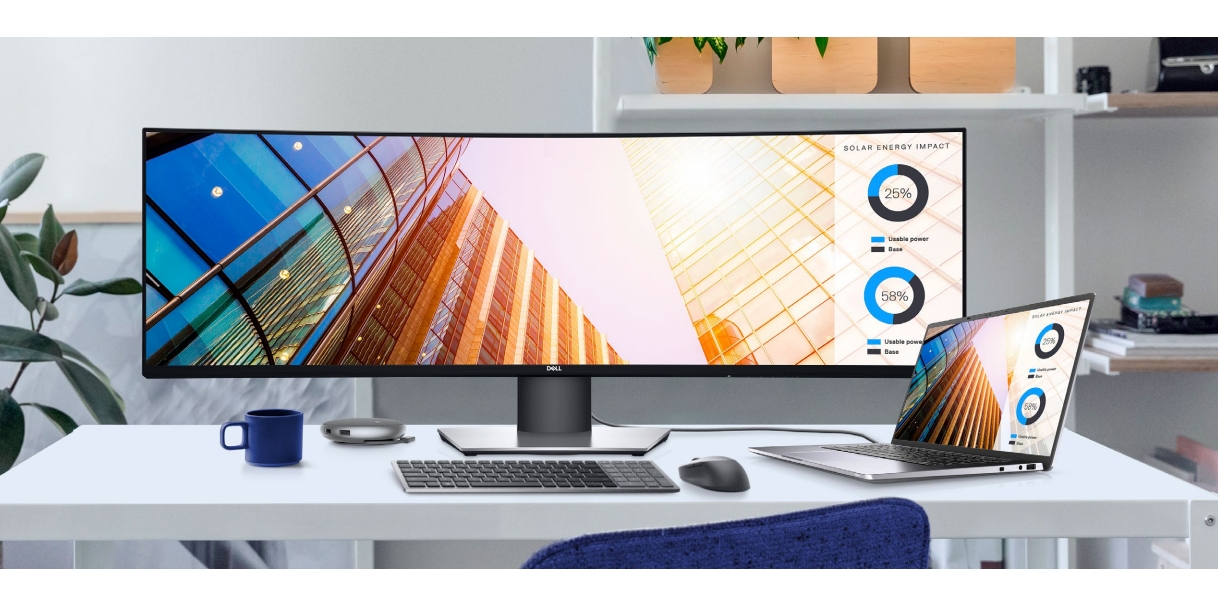
June 15, 2026 · 3 min · 617 words · Louis
How to attach the Dell Active Pen PN7522W to a laptop?

How to attach the Dell Active Pen PN7522W to a laptop?

PN7522W is the premier rechargeable active pen for Dell 2-in-1 laptops. It has a useful feature, magnetic attachment, which allows you to attach the pen to the compatible laptops convieniently. Now, there are 2 questions: What laptop can I attach the PN7522W to? Which area of the laptop should I attach the PN7522W to? We will answer these questions in the following sections. What laptop can I attach the PN7522W to? Not all Dell laptops have a special design for magnetic styluses. If you don’t know whether your laptop is compatible with the PN7522W, please refer to the Dell Pen Compatibility Matrix. ...

April 20, 2026 · 2 min · 303 words · Louis
How to switch between devices while using a Dell multi-device keyboard?

How to switch between devices while using a Dell multi-device keyboard?

More and more modern wireless keyboards have the ability to connect to and switch between multiple devices with a click. This is so-called “seamless connectivity”, and it does improve the work efficiency. Dell has many multi-device keyboards. Let’s take KB700 as the example to explore how this works. Dell KB700 wireless keyboard can be connected to up to 3 devices simultaneously, 1 by 2.4 GHz USB receiver dongle, and 2 by Bluetooth connections. Dell has designed a Connection Mode Switch Button specifically on the top right of the keyboard. ...

July 2, 2025 · 2 min · 241 words · Louis
Make AI a Pro Translator in Any Language

Make AI a Pro Translator in Any Language

Now, AI is everywhere. With the support of AI, many traditional products have achieved a qualitative improvement, and many industries have been disrupted and surpassed by AI. One of them is translation. AI can better understand the context, so the translation results are more accurate and natural. In this article, we recommend a prompt that can turn AI into a professional translator for any language. This prompt can be used in any generative AI product, and for any language that the platform supports. To achieve higher efficiency, we have designed this prompt to be applicable for continuous conversations. The prompt content is as follows: ...

May 18, 2025 · 2 min · 274 words · Louis
How to Automatically Disable Wi-Fi When Ethernet is Connected on a Dell Laptop?

How to Automatically Disable Wi-Fi When Ethernet is Connected on a Dell Laptop?

Nowadays, laptops are commonly equipped with wireless network cards, and the use of wired networks is becoming less frequent. However, wireless networks still lag slightly behind in terms of transmission speed and stability. In some office environments with high requirements for information security, wireless networks may not even be provided, so Ethernet cables are far from being phased out. When both wired and wireless networks are connected simultaneously, Windows assigns a lower metric to the wired connection by default, meaning that the wired connection has a higher priority than the wireless one. The system does not actively disconnect the wireless connection. However, we can configure the BIOS to automatically disable Wi-Fi when an Ethernet cable is connected, achieving benefits such as energy saving, enhanced network stability, and reduced information security risks. ...

February 11, 2025 · 2 min · 215 words · Louis