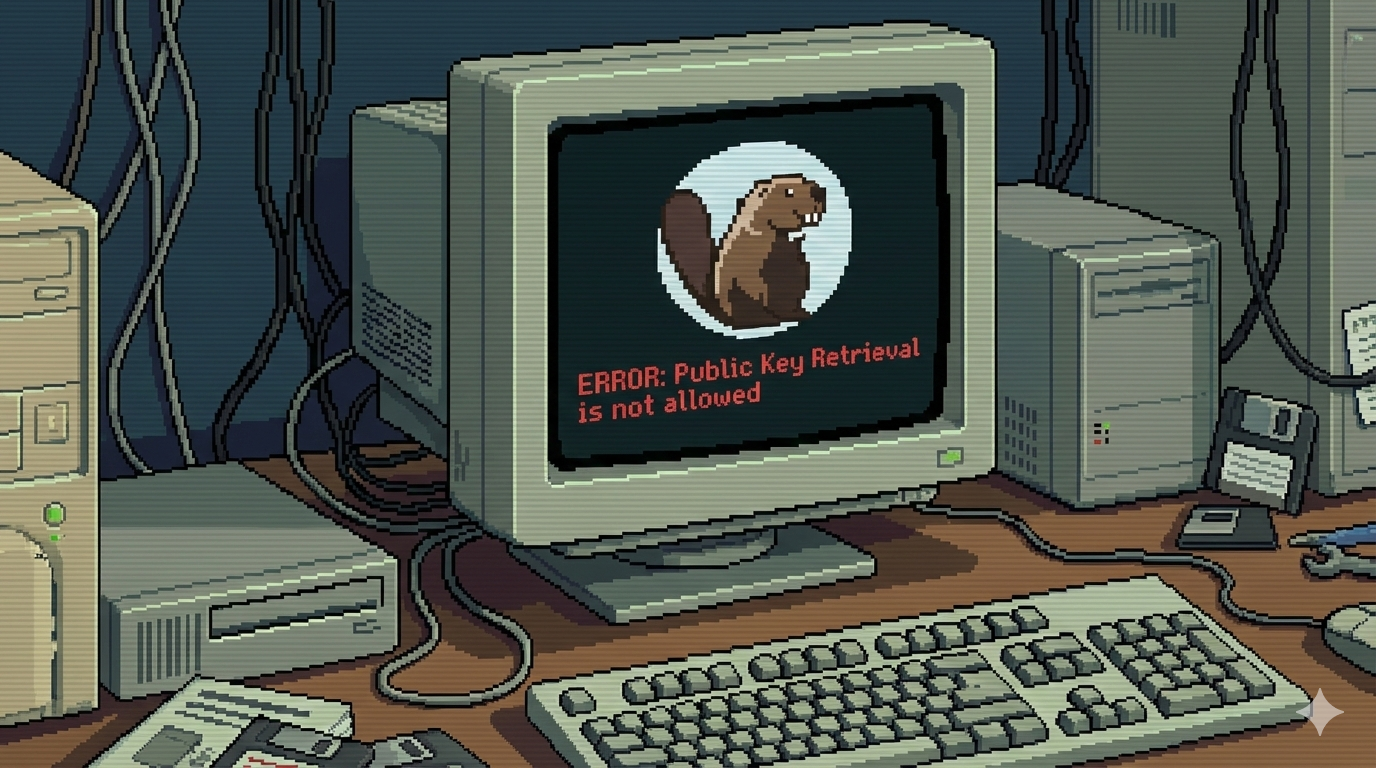
How to Solve the Error Public Key Retrieval Is Not Allowed on DBeaver
The error “Public Key Retrieval is not allowed” happens because MySQL 8+ uses caching_sha2_password as the default authentication plugin. When a client (like DBeaver) connects remotely, MySQL tries to use RSA public key encryption to secure the password. If the client does not allow retrieving the server’s public key, the connection fails with this error. Solution To fix this, you can set allowPublicKeyRetrieval=true in DBeaver’s Driver Properties. Steps: Right click on the database connection that you want to connect to. Select Edit Connection from the menu. Switch to the tab Driver properties. Modify the allowPublicKeyRetrieval parameter to TRUE. Click OK to save the changes. Now you can connect to your database without the error. ...