How to turn off the integrated graphics card on a Dell rack workstation?
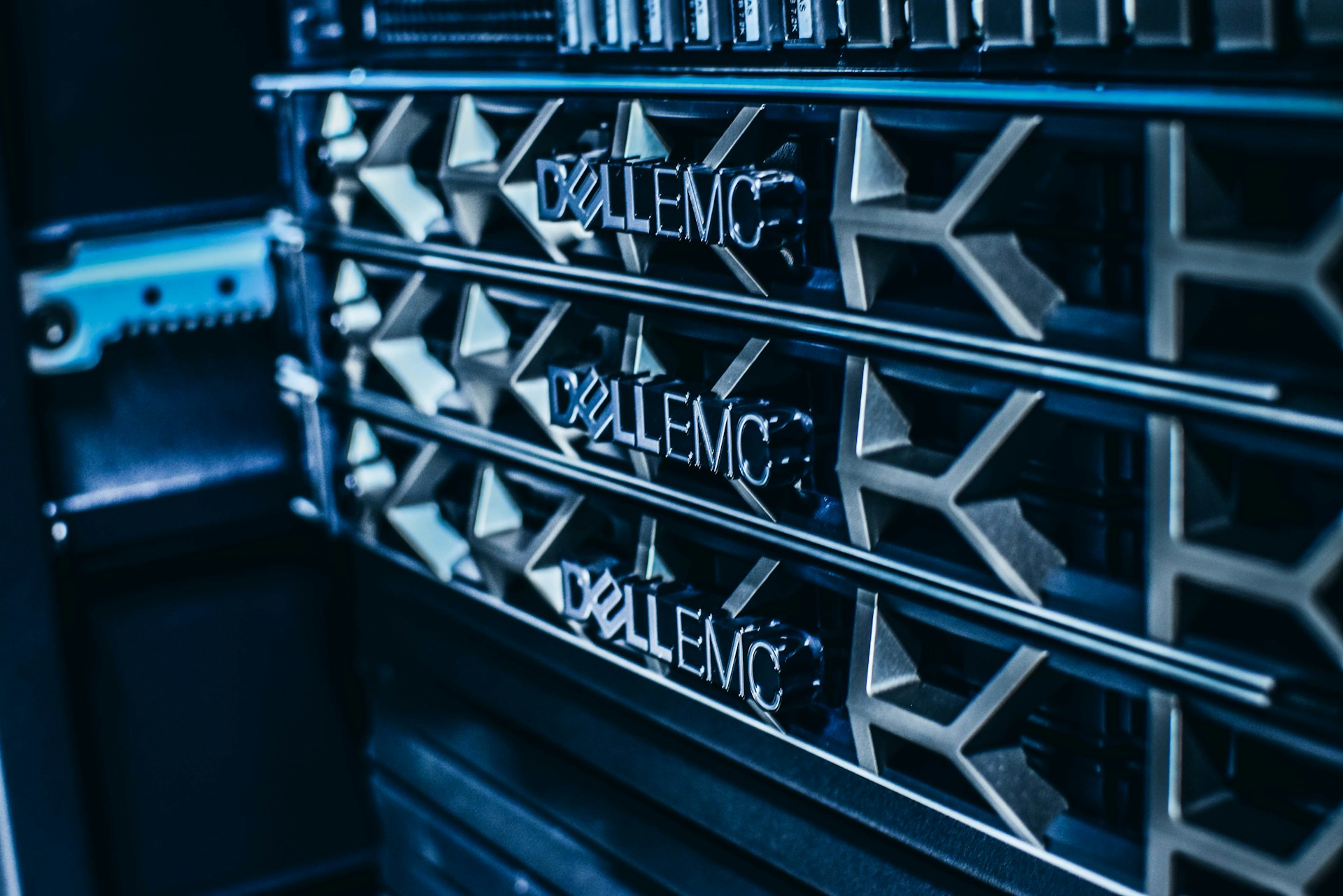
Dell rack workstations are configured with a VGA integrated graphics interface by default. If you have installed a discrete graphics card and want to disable the integrated graphics card, you can follow the steps below. For other Dell BIOS configurations, see how to stop your Dell laptop from powering on when you open the lid and how to automatically disable Wi-Fi when Ethernet is connected. Reboot your workstation. Press F2 to enter System BIOS. Navigate to Integrated Devices, then find the option Embedded Video Controller. Change the setting from Enabled to Disabled. ...