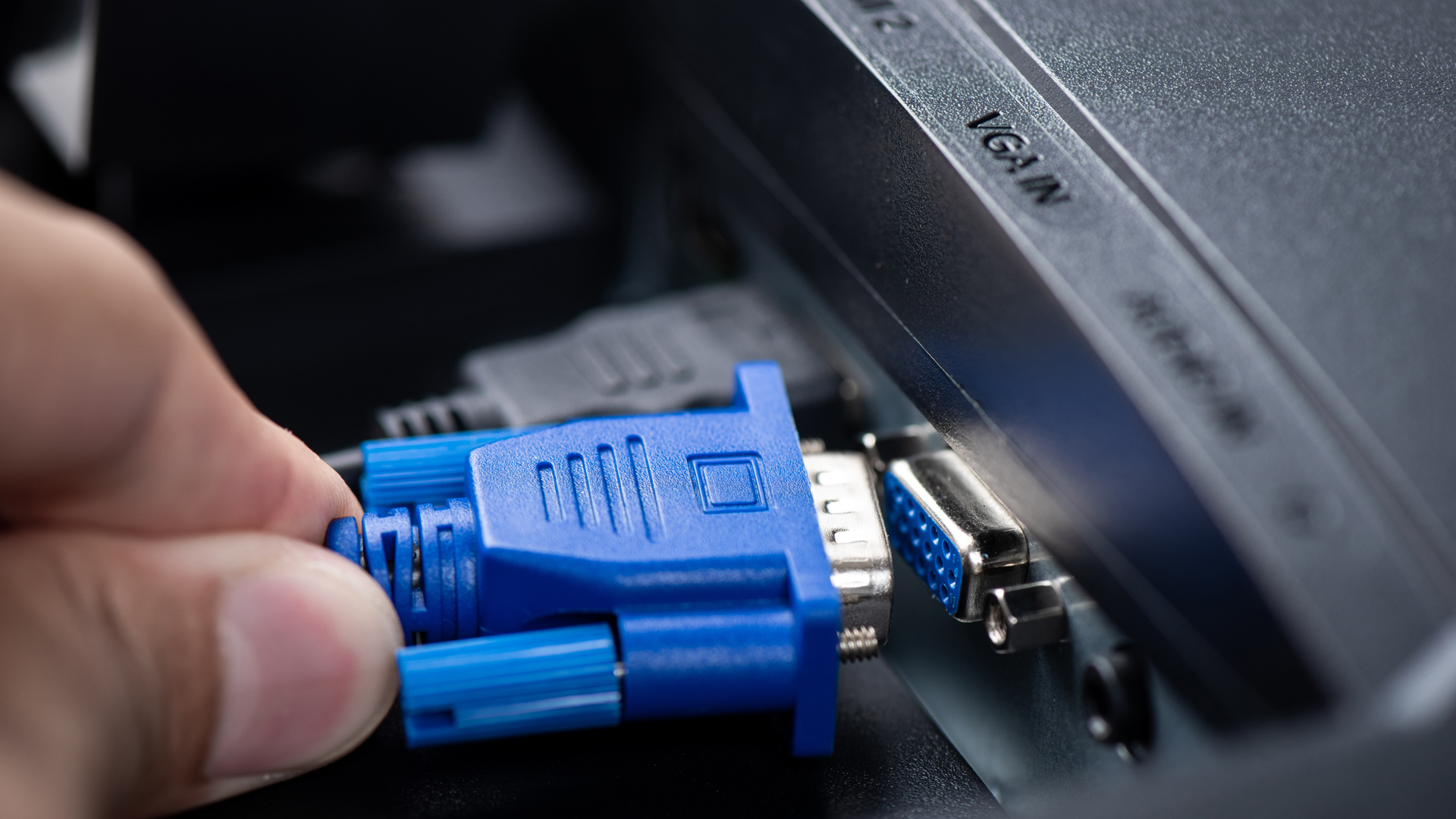
The maximum supported length of a VGA cable depends on several factors, including the quality of the cable, the strength of the signal, and the resolution. Generally speaking:
- For VGA cables in standard quality, the maximum supported distance is about 50 feet (about 15 meters) at 640x480 resolution.
- At higher resolutions (such as 1024x768 or higher), the signal is easily attenuated, and the recommended maximum length is usually no more than 25-30 feet (about 7.5-9 meters).
Why is there a length limit? How can we extend the length? Let’s explore this in more detail below.
What is VGA?
Before we go into the details, I would like to help you understand VGA. You can also skip this part and move on to the next section.
VGA (Video Graphics Array) is a common video transmission protocol and video interface, widely used in computer monitors and other display devices. Since its release, the VGA interface has been firmly present in display technology, transmitting video data through analog signals.
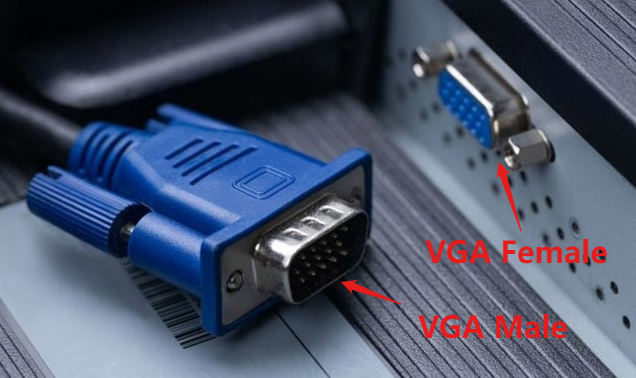
With the advancement of technology and the improvement of high-definition requirements, VGA’s analog signal transmission has gradually been replaced by digital interfaces such as HDMI, DVI and DisplayPort. However, due to its ruggedness and strong compatibility, the VGA interface can still be seen in many occasions.
Why VGA cable length is limited?
There are two main factors that limit the transmission distance of VGA signals: signal attenuation and external interference.
Signal attenuation
The reason for signal attenuation is that the resistance of the cable causes energy loss, and the signal strength gradually weakens as the distance increases.
At the same time, high-frequency signals are more susceptible to attenuation than low-frequency signals. VGA signals require higher frequencies at high resolutions, resulting in more obvious attenuation. Therefore, when the resolution is low, the length of the VGA cable can be longer than when the resolution is high.
External interference
When transmitting over long distances, cables are more susceptible to external electromagnetic interference (EMI) and radio frequency interference (RFI), which can affect the quality of the signal. Especially when multiple cables are arranged next to each other, the signals may interfere with each other, causing distorted or blurred images.
How to extend the transmission distance of VGA?
Since we know that the main reasons affecting the transmission distance of VGA signals are signal attenuation and external interference, we can thus derive a solution based on this.
1. Use high-quality cables
A high-quality VGA cable can reduce the loss of signals during transmission, and isolate external interference as much as possible. Therefore, using high-quality cables is the most basic requirement.
We have selected some VGA cables that are recognized by the market, with different length options, you can choose according to your needs. Click on the links below to view product details.
2. Reduce surrounding cables
When cables are intertwined and entangled, they will generate electromagnetic interference with each other. In order to reduce the impact of external interference on VGA signals and transmission distance, we should reduce other cables around the cables as much as possible, as well as other devices that generate electromagnetic waves, and organize the cables.
3. Use a VGA extender
Even if the resolution of the transmission is not high and the signal quality requirements are not high, the theoretical maximum length of the VGA cable is only 50 feet. If a longer distance is required, how should it be solved?
Actually, there is already a mature VGA extension solution on the market: VGA extender.
Compared with the maximum length of the VGA cable, the maximum distance that the network cable can ensure reliable data transmission without using any relay equipment or amplifiers can reach 100m (about 328 feet), which is far longer than the 50 feet of the VGA cable.
Therefore, the principle of VGA extender is to convert the VGA signal into a network signal at the sending end, connect it to the receiving end through a network cable, and the receiving end converts the network signal back to a VGA signal and then outputs it to the monitor.